Help for the actual EmTape workflow.
Support covers saved documents, templates, finance tools, export options, backups, restore purchases, and subscription access. If something looks wrong in the workspace, the tape, or settings, this is the right place to start.
Restore purchase
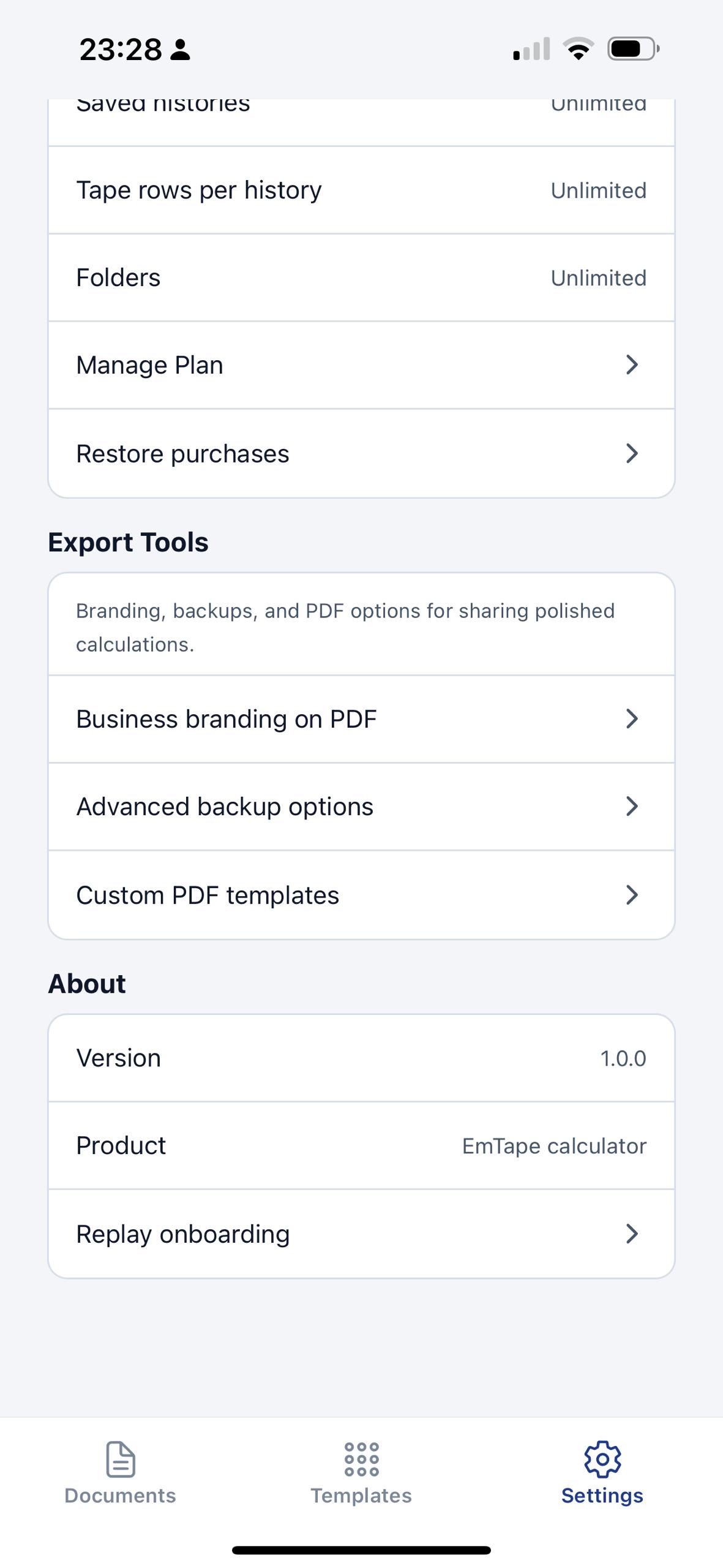
Open the plan area in settings and use Restore purchases if EmTape does not recognize your access after reinstalling or switching devices.
Make sure you are signed in with the same Apple ID or Google account used for the original purchase.
Manage plan
Billing, cancellation, renewals, and refunds are handled by the app store where you bought the subscription.
Deleting the app does not cancel a subscription. Use your store subscription settings to manage it.
Templates and documents
If a template or saved calculation is not behaving as expected, include the template name, the document title, and a screenshot of the affected rows when you contact us.
Export and backups
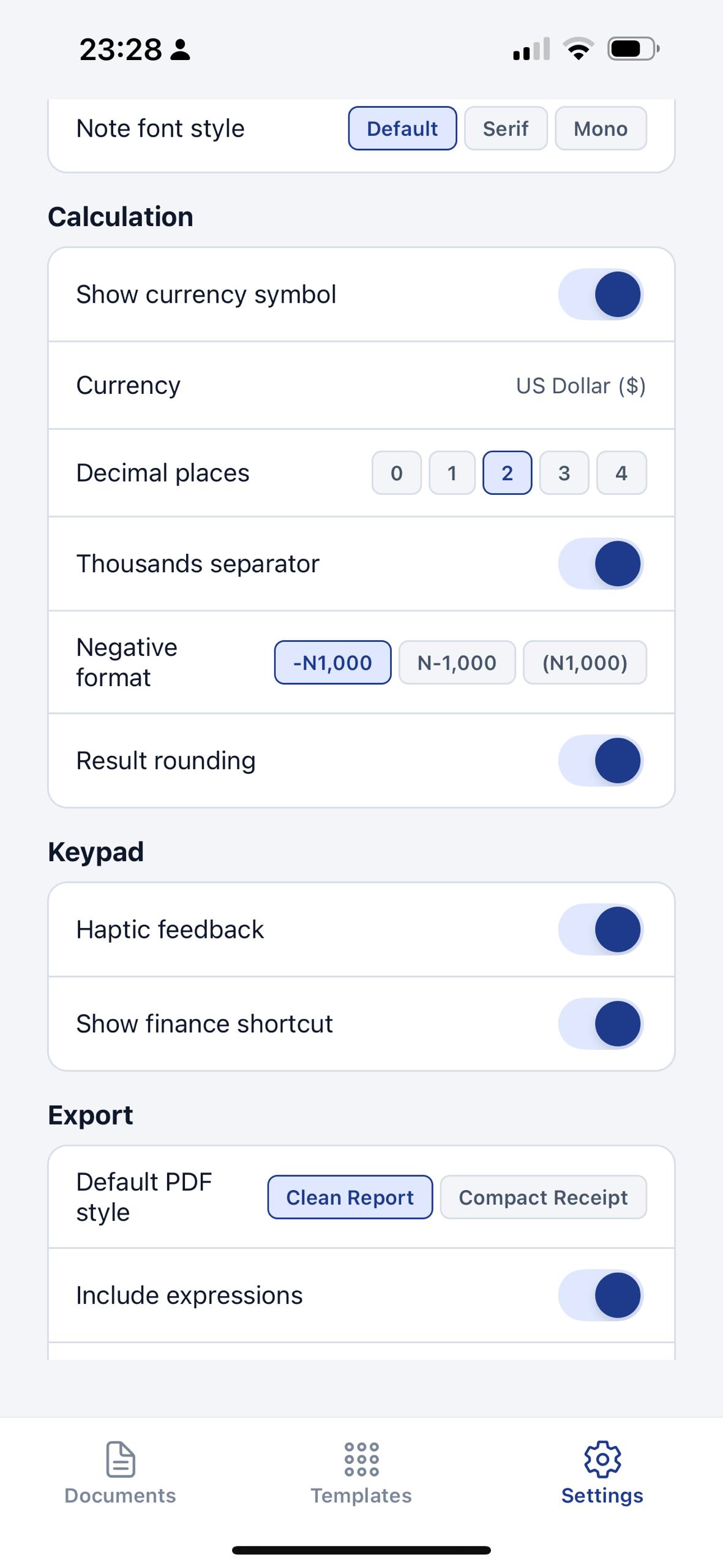
Export settings, header and footer text, and backup and restore options are grouped under settings. If a PDF or backup issue appears, tell us which output style and toggles were active.
Contact support
Email arowoduyestrategy@gmail.com and include the issue, your device, your app version, and a screenshot or screen recording if it helps explain the problem.
- Do include the document or template name if the problem is tied to saved work.
- Do mention whether the issue is in documents, templates, tape editing, export, or plan management.
- Do not send passwords, card numbers, or sensitive financial records.